Redesigning the Website of an HR Consultancy Startup
Client
DIAL Global
Year
2024
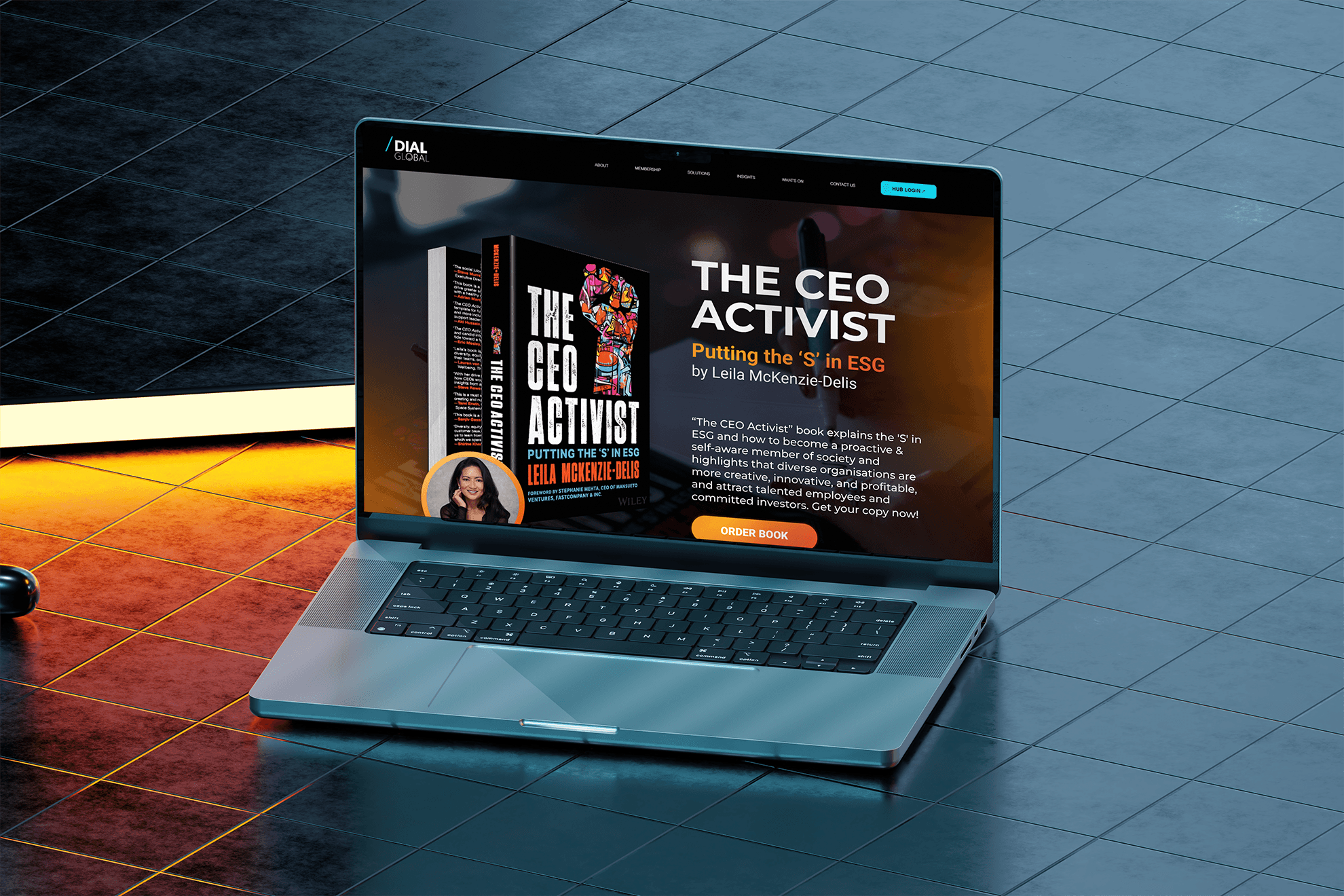
This project was created during my full-time position at DIAL Global, an HR consultancy startup focusing on DEI initiatives enforcement. We had feedback from stakeholders and internal teams regarding the outdated website. The brief was to redesign the whole website by showcasing the key offerings clearly through new content structure and rebranding.
Scope of Work
Chapter 1: We have a problem
📢 PROBLEM
As the company grew, so did the leads, but our outdated website couldn’t keep up. With clunky navigation, no clear CTAs, and a scattered structure, it wasn’t doing us or our visitors any favors.
🎯 GOAL
Redesign the website to clearly showcase our offerings and make it easy for users to get in touch with clear content structure. By improving usability, we aimed to turn curious visitors into real business opportunities.
Chapter 2: Discovering our shortcomings
When I joined the team, one thing was immediately clear: UX was not on the radar.
Website updates happened reactively, often rushed in response to big events or new leads. To get everyone aligned, I introduced a structured discovery process. Here's what it looked like:
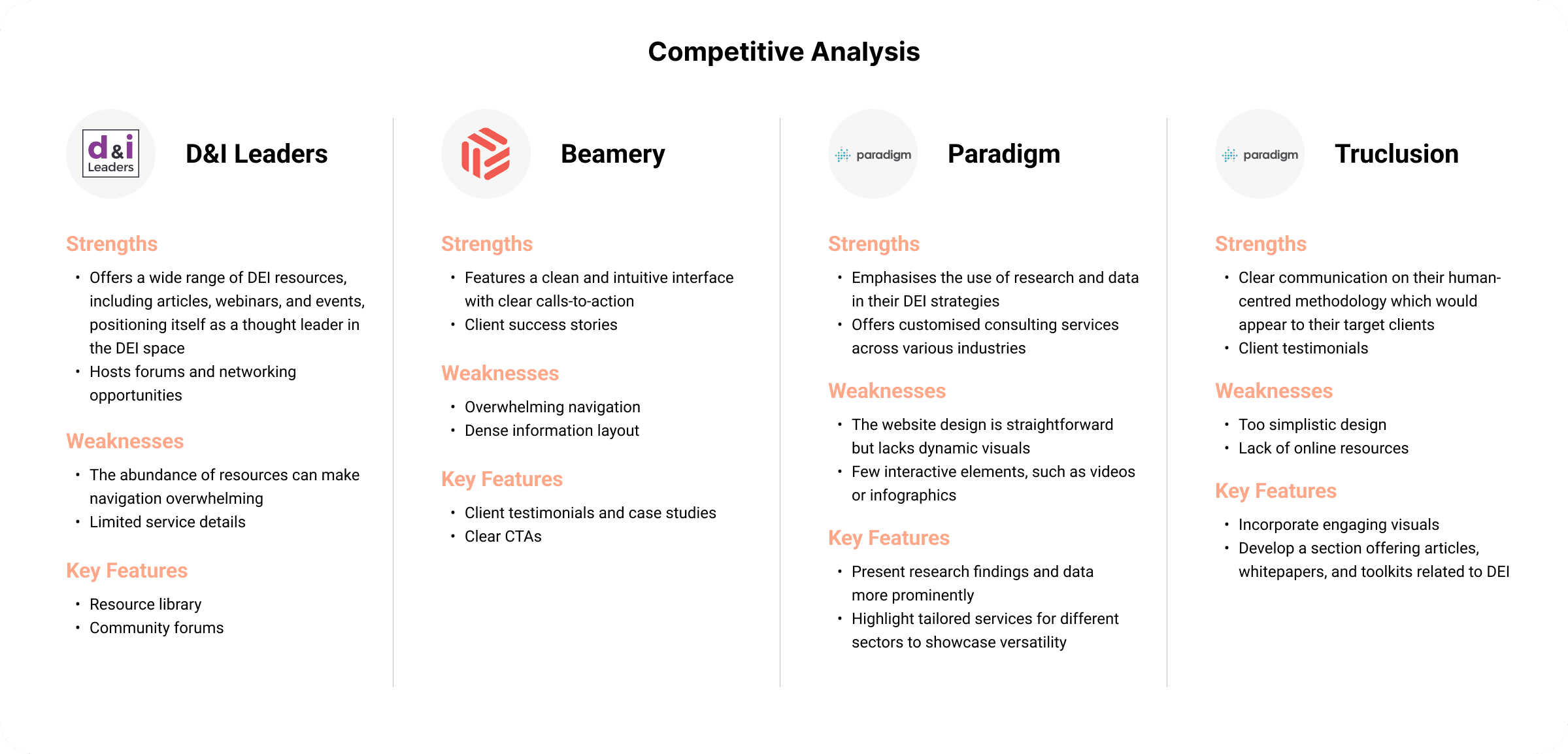
COMPETITOR ANALYSIS
To better understand the landscape, I analyzed several companies offering DEI (Diversity, Equity & Inclusion) services, HR consultancy, or related tech solutions. I focused on:
How they present their services
Their visual identity and tone
Key CTAs and page structure
What made them trustworthy and easy to navigate
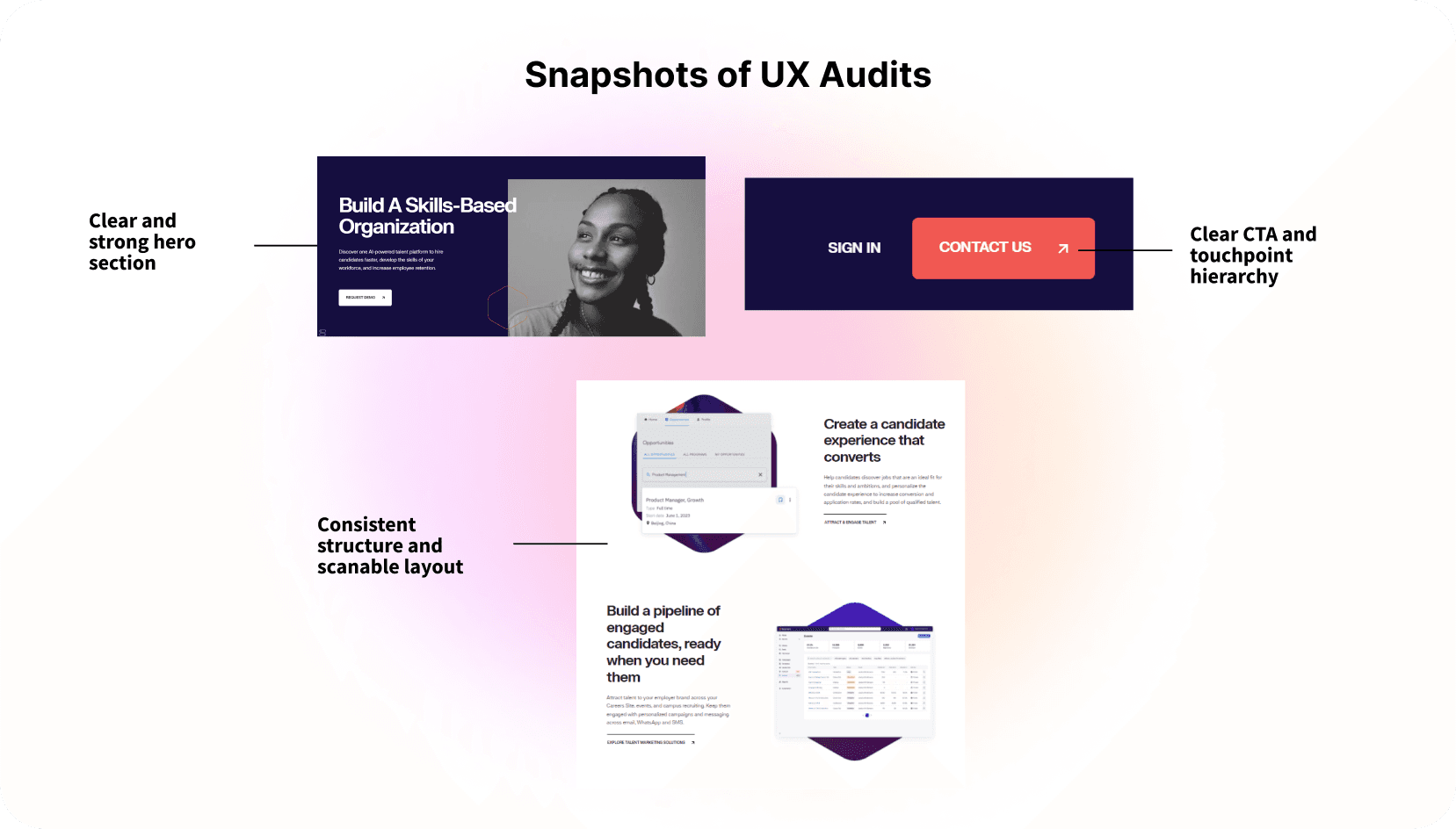
HEURISTIC EVALUATION
Using Jakob Nielsen’s 10 usability heuristics, I performed a quick audit of the existing website as below:
Recognition over recall: Too much jargon; unclear menu labels
Consistency and standards: Inconsistent fonts, CTA styles, and page layouts
💼 USER INTERVIEWS
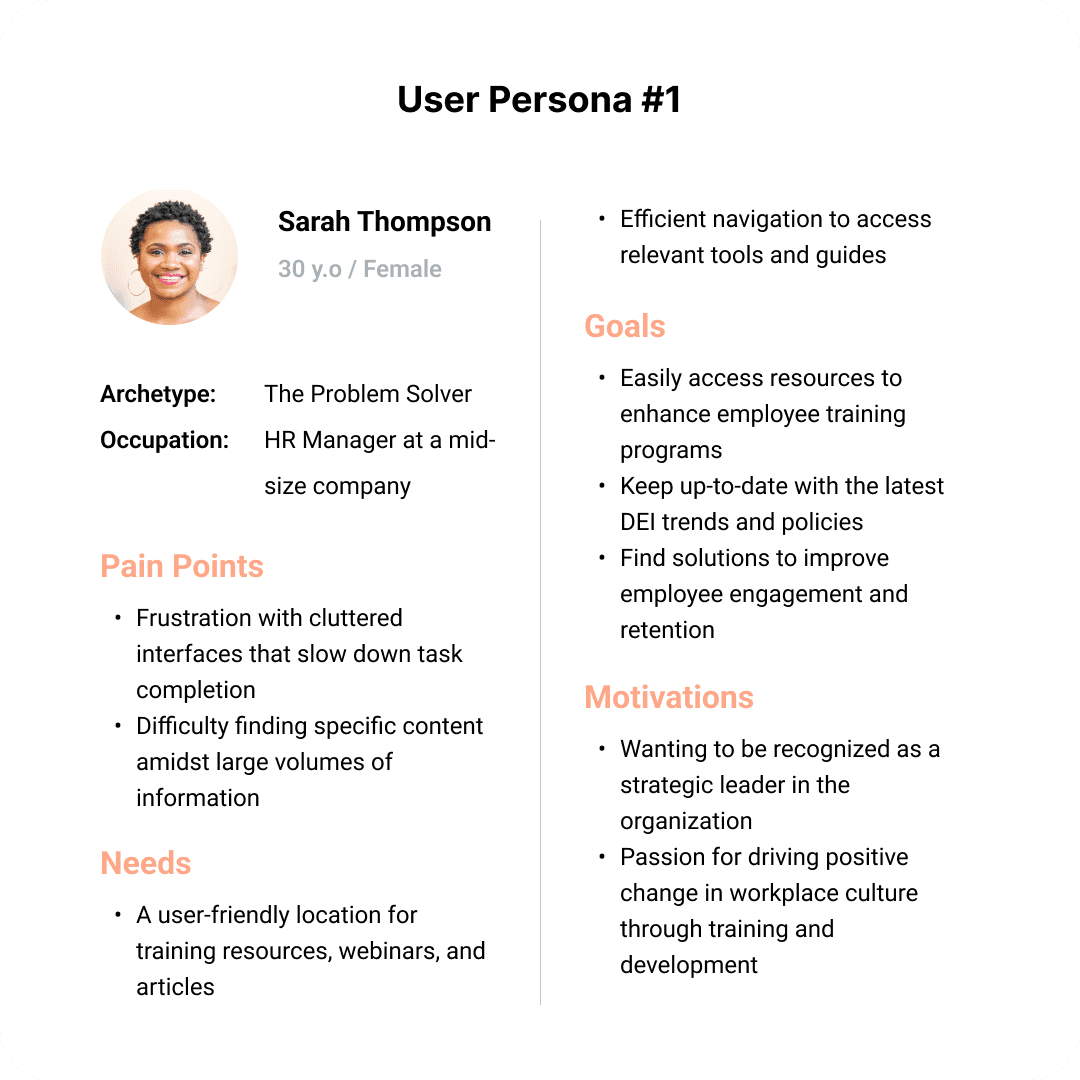
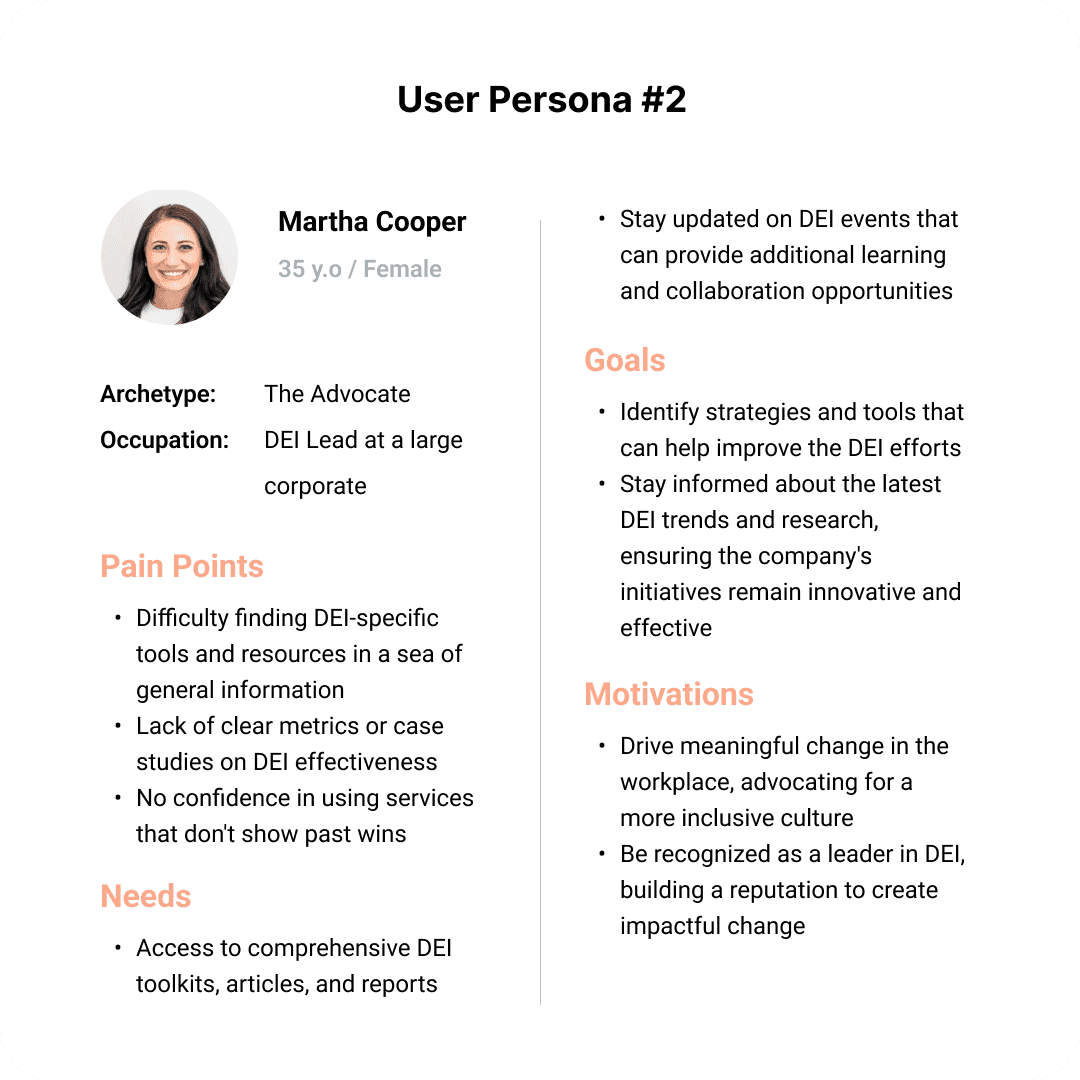
I conducted interviews with internal team members who had dual roles as DEI and HR professionals, and these sessions were insightful. The key interview insights were:
"A clear overview of what we do. I often can’t find a quick summary to share."
"I make custom decks from scratch. The website doesn’t support my pitch."
“The homepage feels more like a blog or event space than a service hub. I often have to scroll quite a bit or click around to understand our offerings."
“I hesitate to share the site directly—it doesn’t showcase our work or client success stories clearly enough."
Chapter 3: Designing for accessibility - practicing what we preach
🔍 ACCESSIBILITY AUDITS
As a DEI advisory company, accessibility is part of our mission. We followed WCAG 2.2 guidelines and ran accessibility audits early in the process. Our key findings:
Consistent navigation - for cognitive disabilities
Larger clickable areas - for motor impairments
Text resizing & contrast - for low vision or color blindness
Insights from those audits directly informed our design recommendations and final UI decisions.
Chapter 4: Connecting the dots
💡 KEY INSIGHTS AND RECOMMENDATIONS
Messy and unintuitive navigation
→ Revamp for clear and easy access to key contentLack of clear CTAs
→ Add compelling CTAs to drive user actionsInconsistent content & structure
→ Simplify content, optimize for SEO, and highlight success storiesUnprofessional presentation
→ Create a polished design that reflects the business’ expertiseAccessibility gaps
→ Implement WCAG guidelines
👥 DESIGNING THE USER EXPERIENCE
To ensure the website met both user needs and business goals, we focused on three key areas:
Customer journey map
I mapped user touchpoints to guide them from awareness to actionInformation architecture
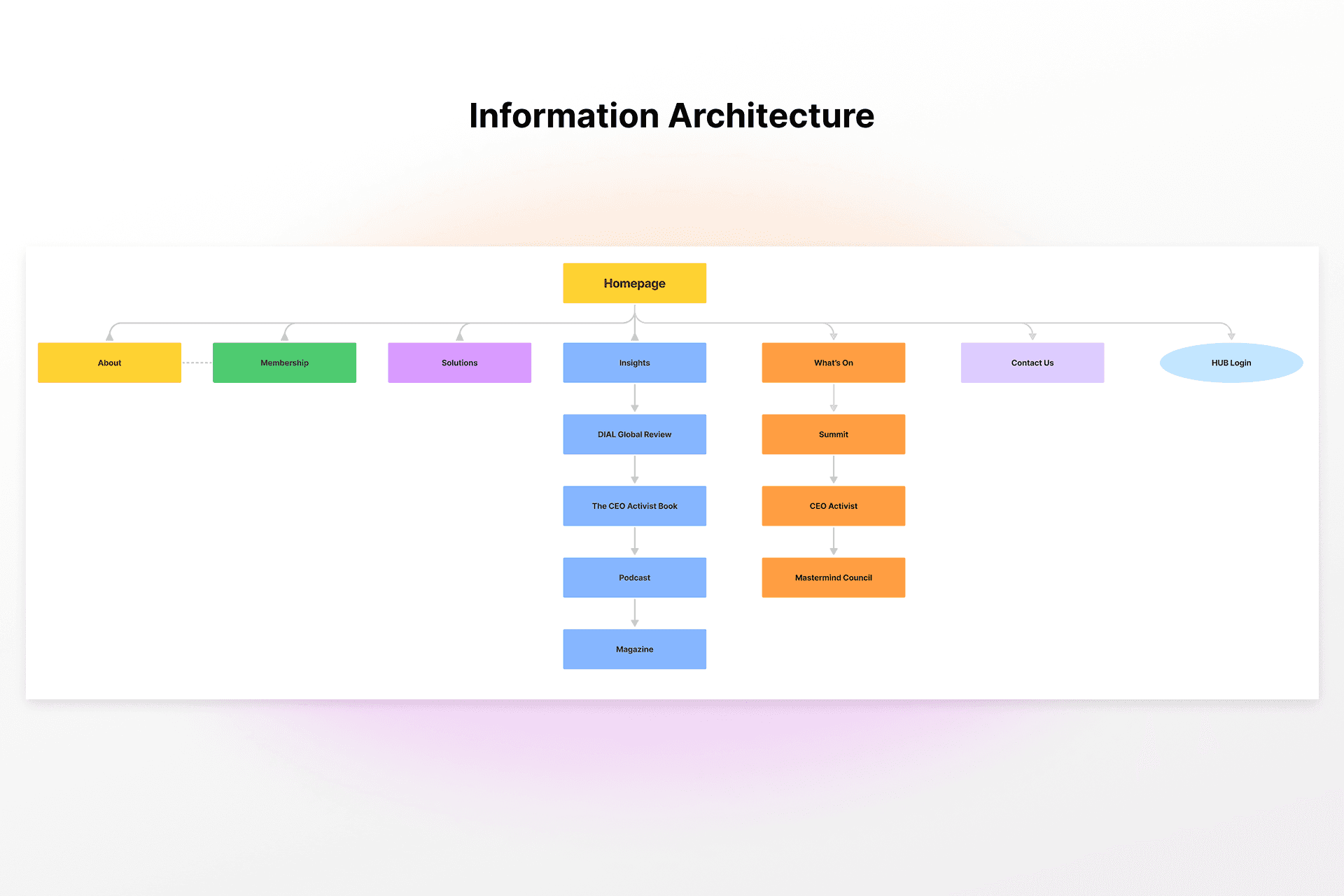
We collaborated on IA to create intuitive layouts and clear navigationContent design
I created an excel worksheet for the team to execute the microcopy with clear segmentation and project roadmap
Chapter 5: Let's get the website launched!
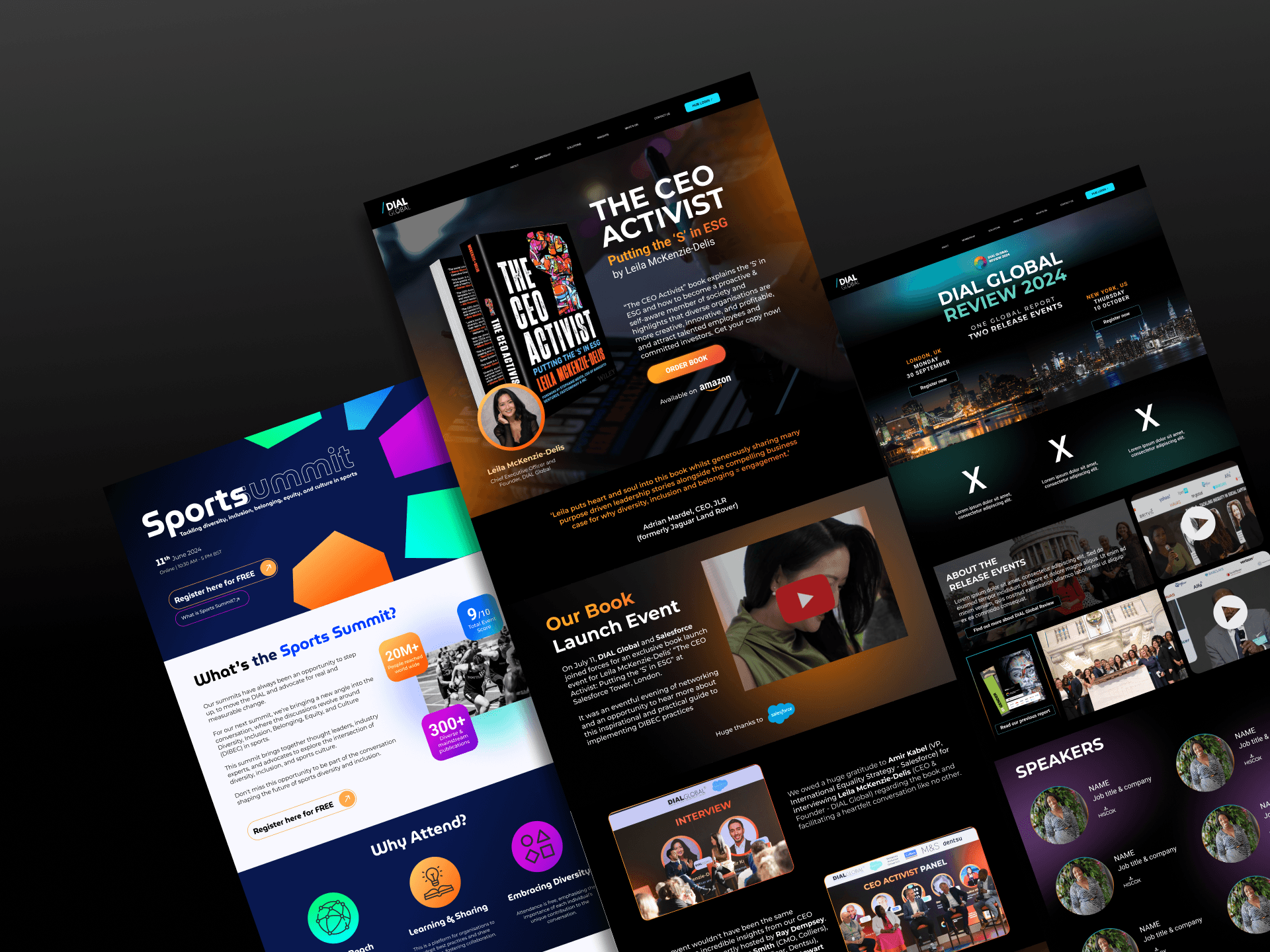
BRANDING THAT SPEAKS
Typography
We kept it sleek and modern with Montserrat for headings and Roboto for textColor Palette
Black sets a strong tone, while vibrant gradients add energy and expressionImagery
Street art imagery challenges the typical corporate look, aligning with DIAL Global’s mission
BUILDING THE WEBSITE
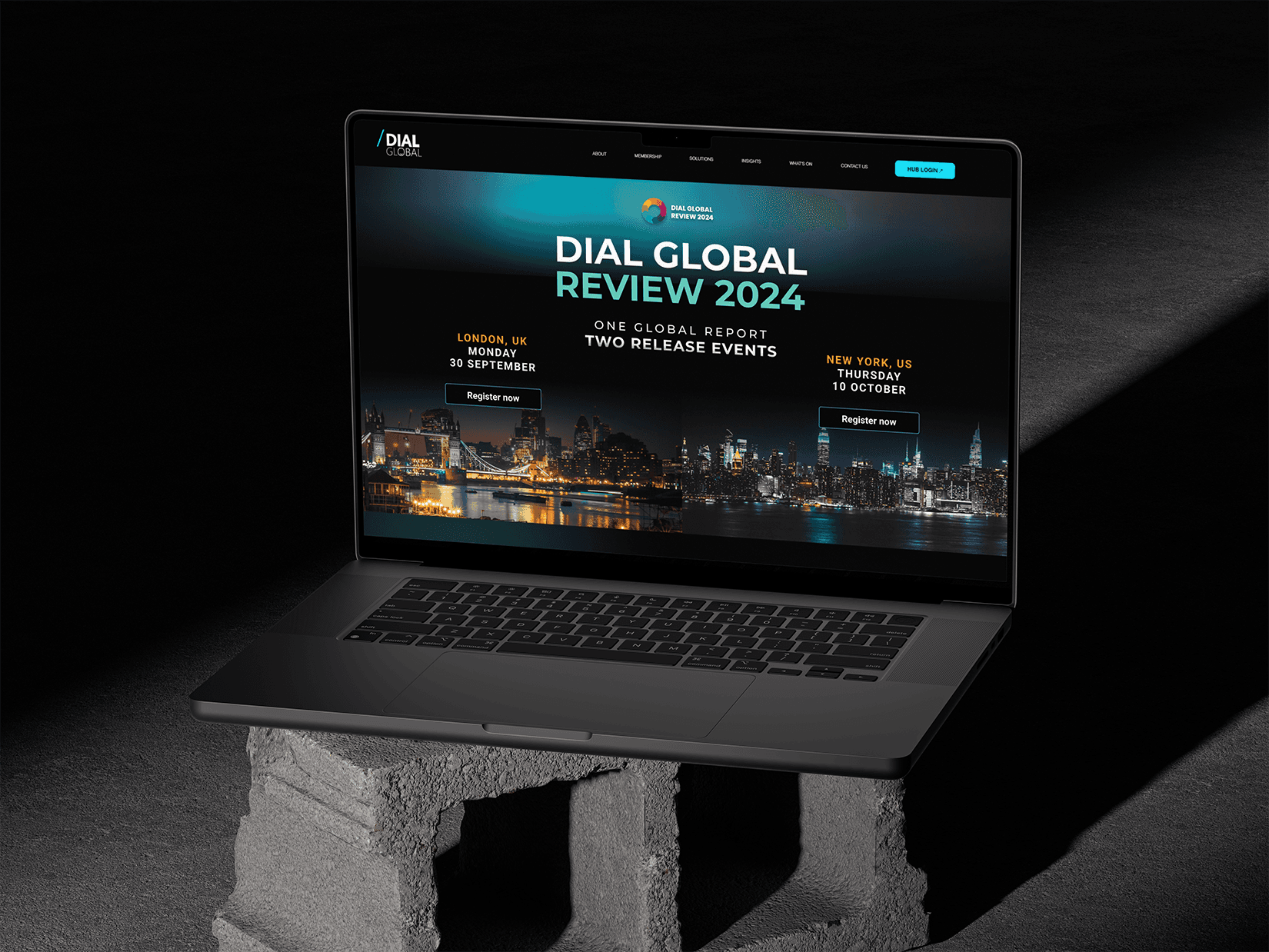
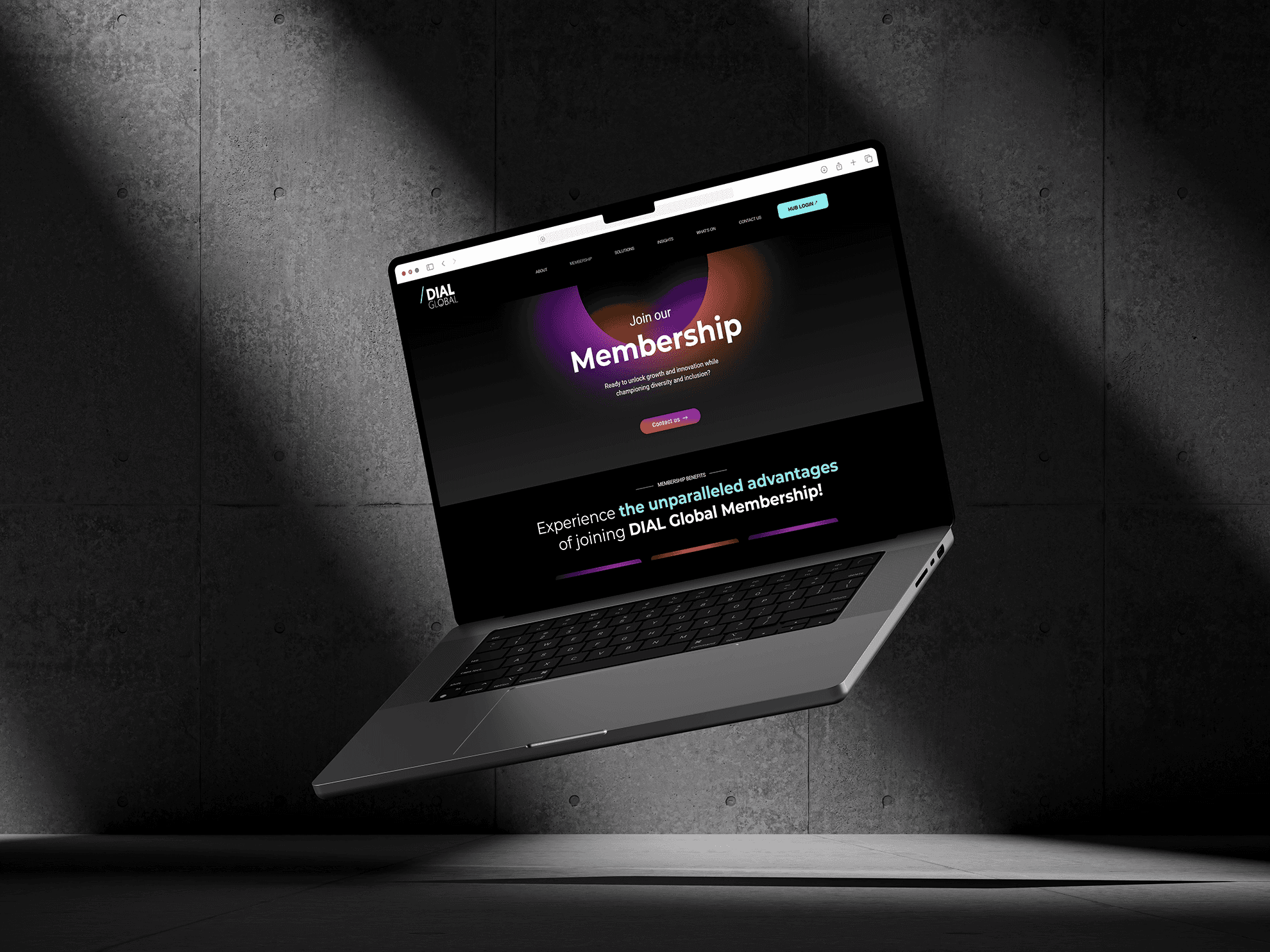
After identifying the key improvements, I designed the website on Figma and built it on Wix. Through active collaboration with stakeholders, we iterated on the design to ensure the best possible outcome.
After launching it, Wix data showed higher engagement, a noticeable drop in bounce rates, and more clicks on key service pages. Most importantly, conversions for events and our annual flagship project increased, helping the team hit revenue targets.
Chapter 6: Reflections & what’s next
✍️ WHAT I LEARNED
Leading with Confidence
Despite being the youngest, I led a high-stakes redesign by drawing on years of leadership in volunteer spaces.Words Matter
Discovered the power of UX writing. Clear and inclusive content is just as impactful as design when it comes to driving results.Flexible, Not Flawed
Learned to stay agile! when ideal UX steps weren’t possible, I adapted while still delivering strong and user-centered outcomes.
✅ NEXT STEPS
Plan for Usability Testing
Schedule formal user testing to gather real feedback and identify areas for future improvement.Track and Optimize
Continue monitoring Wix analytics or integrate third-party web analytics tools to refine high-traffic pages even further.Expand Design System
Develop a more comprehensive design system to support future updates and maintain consistency as the business scales.